Global shared dataset
A shared folder for lab datasets, accessible to every user of the ml.cloud.tuke.sk platform.
Read the rules before you store anything here
The folder is not private and its contents are completely erased once a year. It is not meant for backups or for submitting assignments.
-
Shared by everyone
All signed-in users can see and modify the contents.
-
200 GB in total
The capacity is shared across all users, not per person.
-
Annual wipe
Contents are irreversibly removed every year in early August.
-
No backups
No backups are taken and data cannot be recovered.
What it is for
The folder is meant for shared datasets used in lab exercises that would otherwise have to be stored separately by every student. Typically training data used by a whole group.
| Suitable | Not suitable |
|---|---|
| Datasets for lab exercises | Backing up your own work |
| Shared materials for a group | Submitting assignments |
| Public training data | Personal or sensitive data |
Attaching it to a notebook
The folder is attached when creating a notebook. Under Configurations, tick the Globálny zdieľaný dataset option.
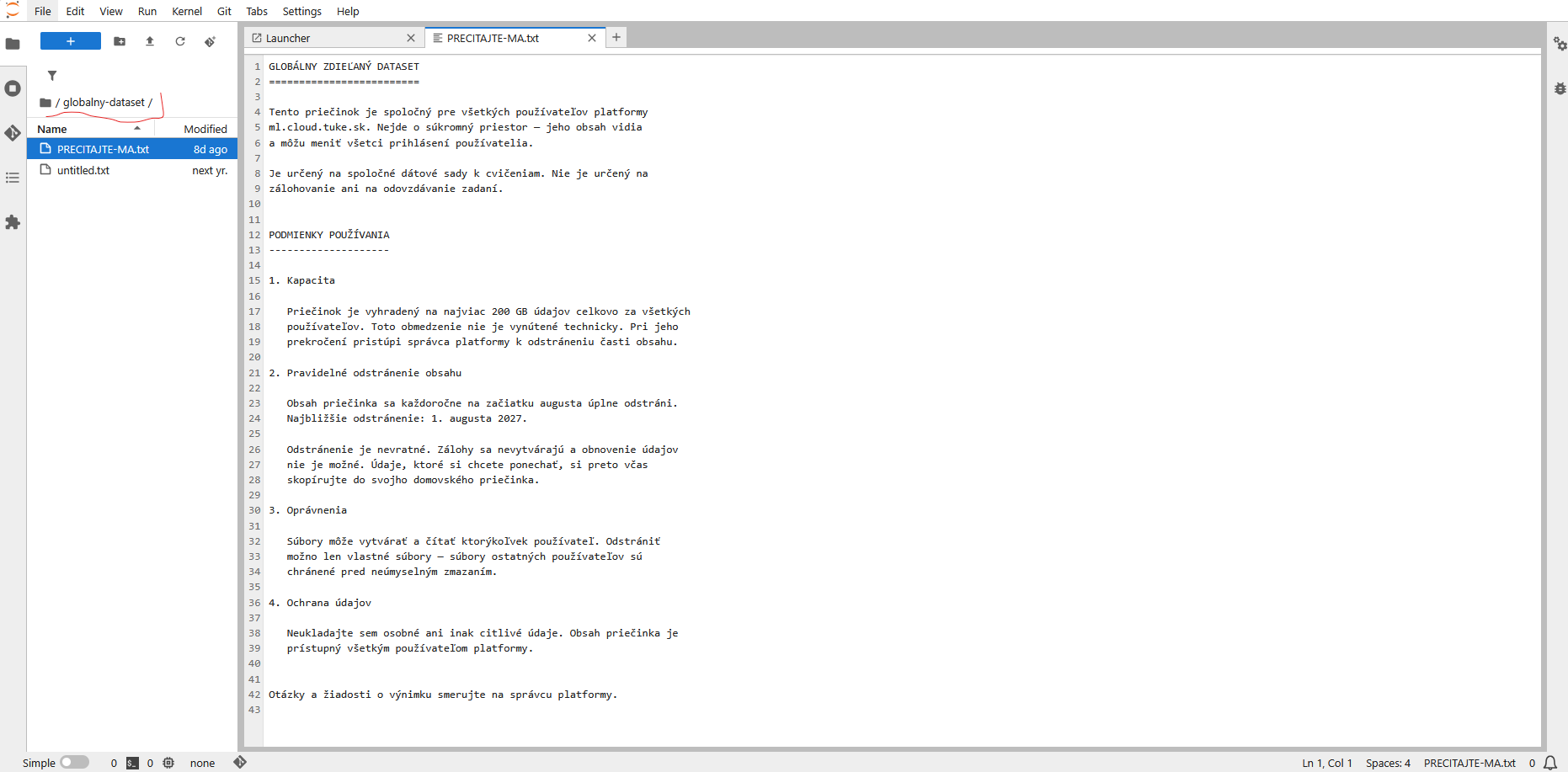
Once the notebook starts, the globalny-dataset folder appears next to your
home directory. It contains a PRECITAJTE-MA.txt file with the current
wording of the rules.
Terms of use
Capacity
The folder is limited to at most 200 GB of data in total across all users. The limit is not enforced technically, so it can be exceeded without warning. If that happens, the platform administrator will remove part of the contents.
Regular removal of contents
The contents of the folder are completely erased every year in early August.
Next removal: 1 August 2027
The removal is irreversible. No backups are taken and data cannot be recovered. Copy anything you want to keep into your home directory in good time.
Permissions
Any user can create and read files. Only your own files can be deleted — other users' files are protected against accidental removal.
Data protection
Do not store personal or otherwise sensitive data here
The contents are accessible to every user of the platform. Personal data, credentials, tokens and unpublished research results do not belong here.
Frequently asked questions
Can anyone else see my folder?
Yes. This is not a private space — all signed-in users can see and modify the contents. Private data belongs in your home directory on the workspace volume.
Can I delete someone else's file?
No. You can only delete your own files.
How do I save data from the annual wipe?
Copy it into the notebook's home directory, that is onto your workspace volume. That one is not wiped annually.
What if I need more than 200 GB or an exception from the wipe?
Direct questions and requests for exceptions to the platform administrator.