Project administration
Who has access to the project, how to let automated systems in, and how to keep its size under control.
Members and roles
The Members tab controls who has access to the project.
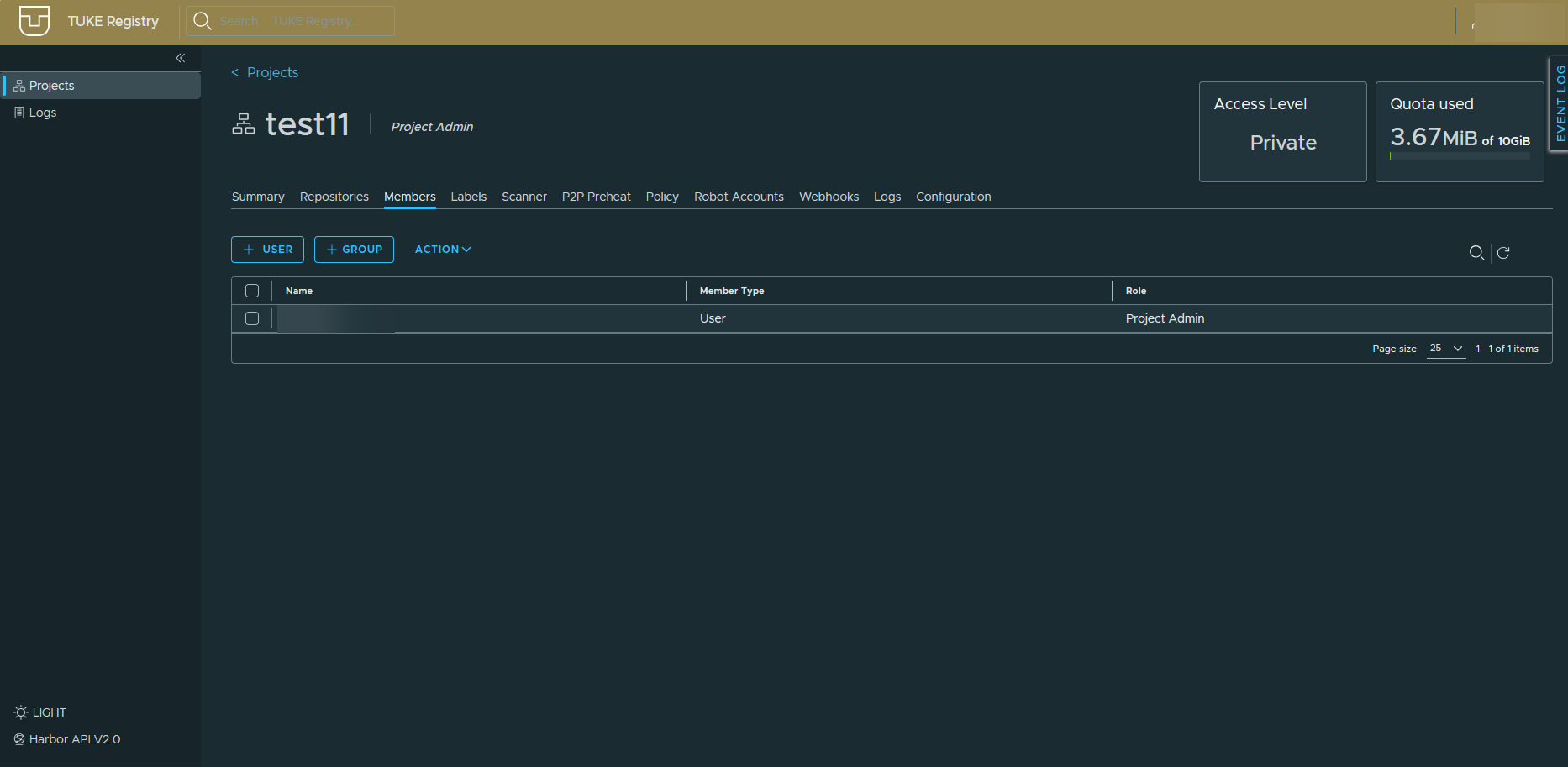
Add users with + USER and whole groups with + GROUP.
| Role | Read | Push | Project administration |
|---|---|---|---|
| Limited Guest | Limited | ||
| Guest | |||
| Developer | |||
| Maintainer | Partly | ||
| Project Admin |
Grant the lowest role that works
Someone who only pulls images is fine with Guest. Reserve Project Admin for people who are meant to manage members and settings.
Robot accounts
The Robot Accounts tab holds service accounts for CI/CD that sign in instead of a person.
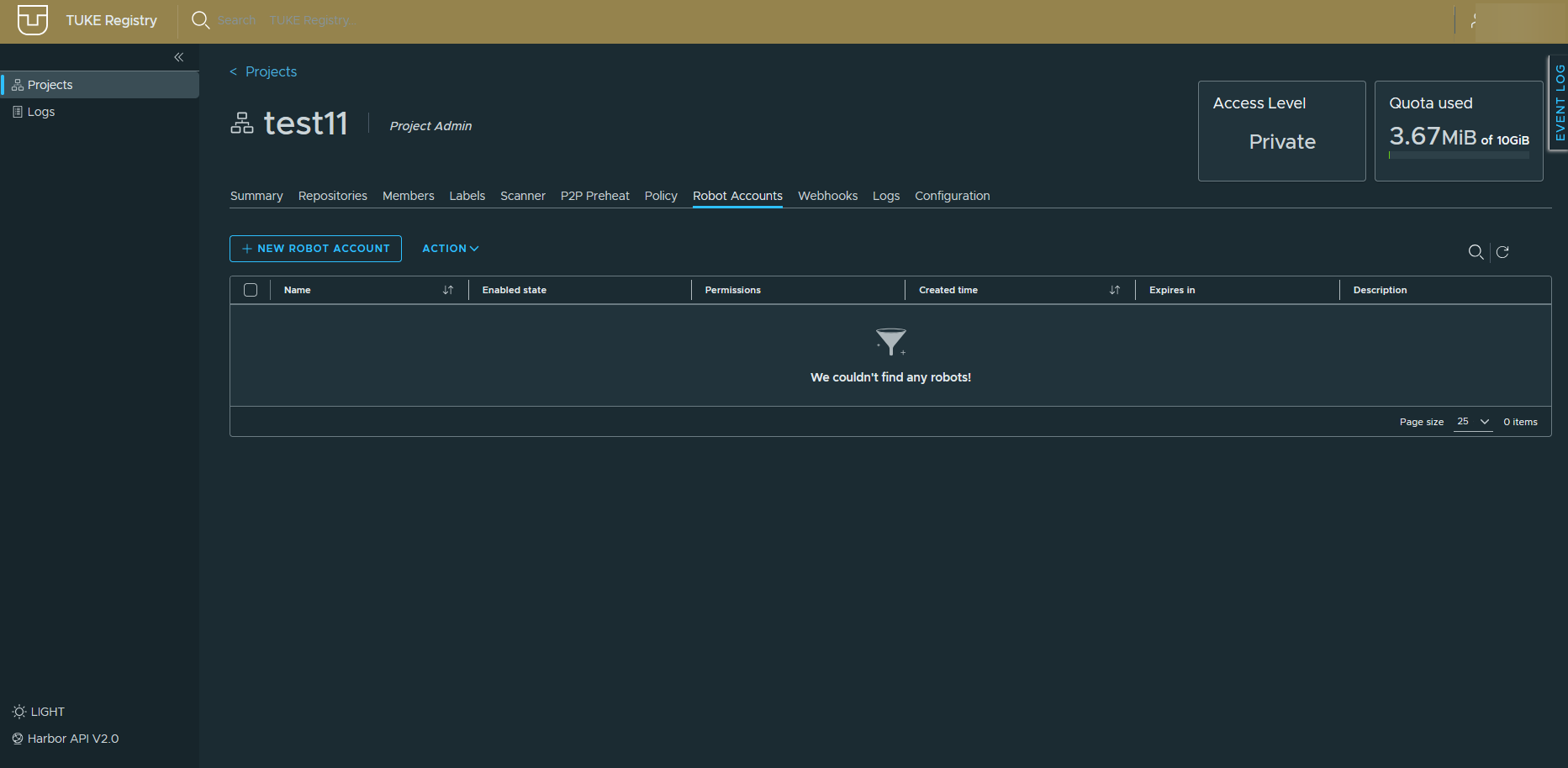
Each account shows its status, permissions, creation time and validity. Create a new one with + NEW ROBOT ACCOUNT.
The token is shown only once
The token appears just once, when the account is created. Save it straight into your CI/CD variables. If you lose it, you have to create a new account.
Signing in with a robot account:
Do not use personal credentials in CI
A robot account has limited rights to a single project and can be revoked at any time without changing your own password.
Labels
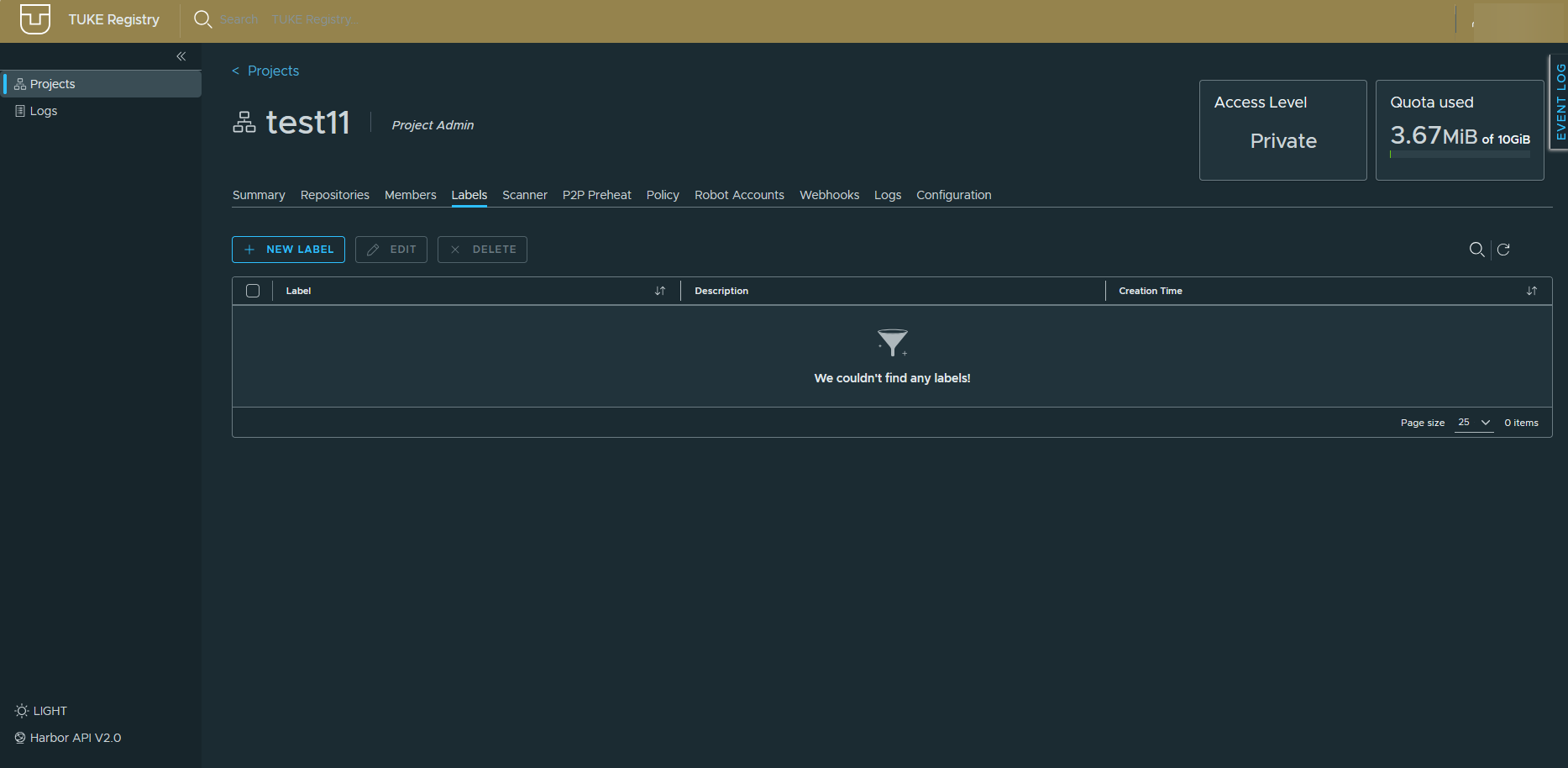
The Labels tab manages custom project labels used to mark artifacts, for
example stable or deprecated.
Tag retention rules
The Policy → TAG RETENTION tab defines which tags to keep and which may be deleted automatically. It is the main tool for staying below the quota.
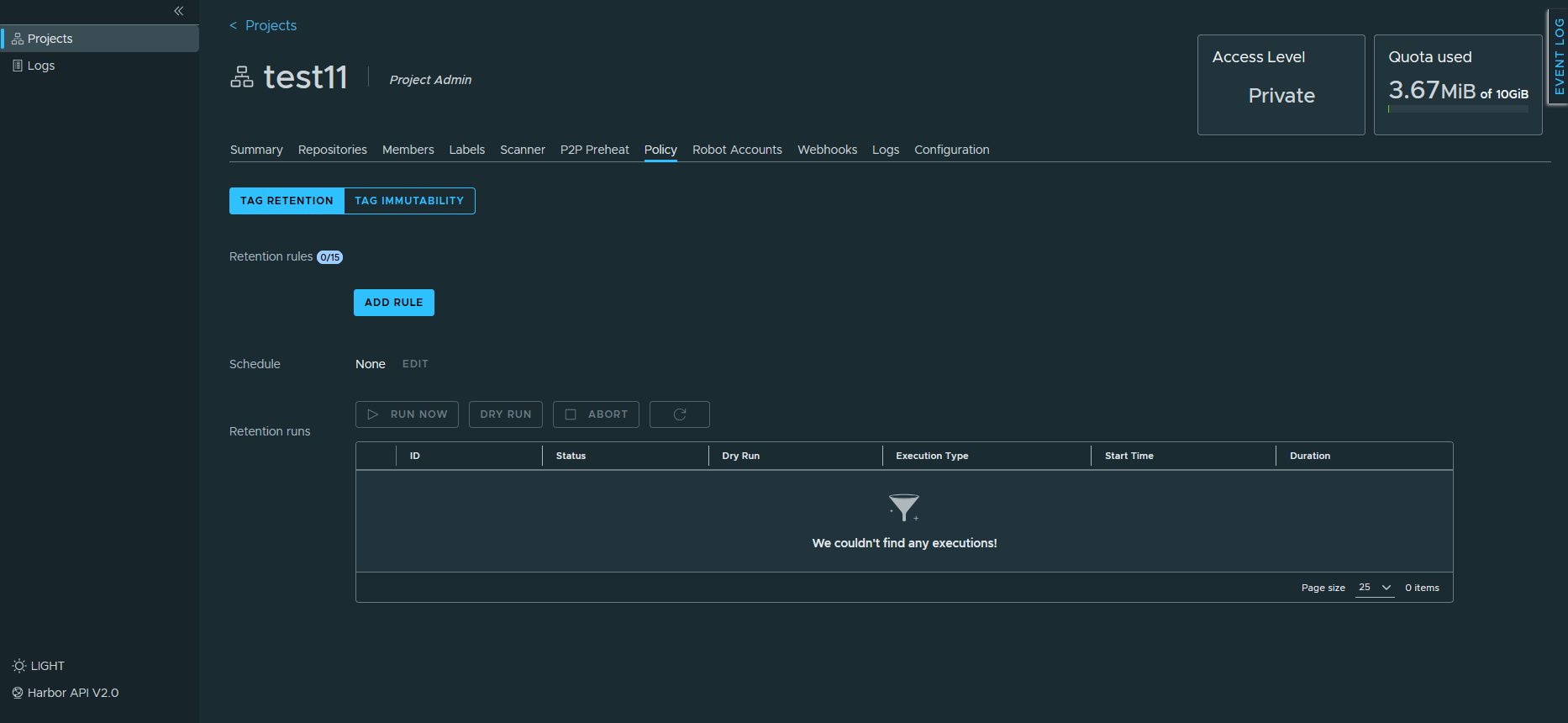
You can set up to 15 rules plus a Schedule determining when the cleanup runs.
| Button | What it does |
|---|---|
| DRY RUN | Shows what would be deleted without deleting anything |
| RUN NOW | Runs the cleanup immediately |
Always DRY RUN first
Rules are easy to write more broadly than intended. Verify on a dry run that only what you want gets removed.
The neighbouring TAG IMMUTABILITY tab marks tags as immutable so they cannot be overwritten or deleted. Useful for released versions.
Webhooks
The Webhooks tab sends notifications about project events to a given endpoint, for example when an artifact is pushed, a scan finishes or something is deleted.
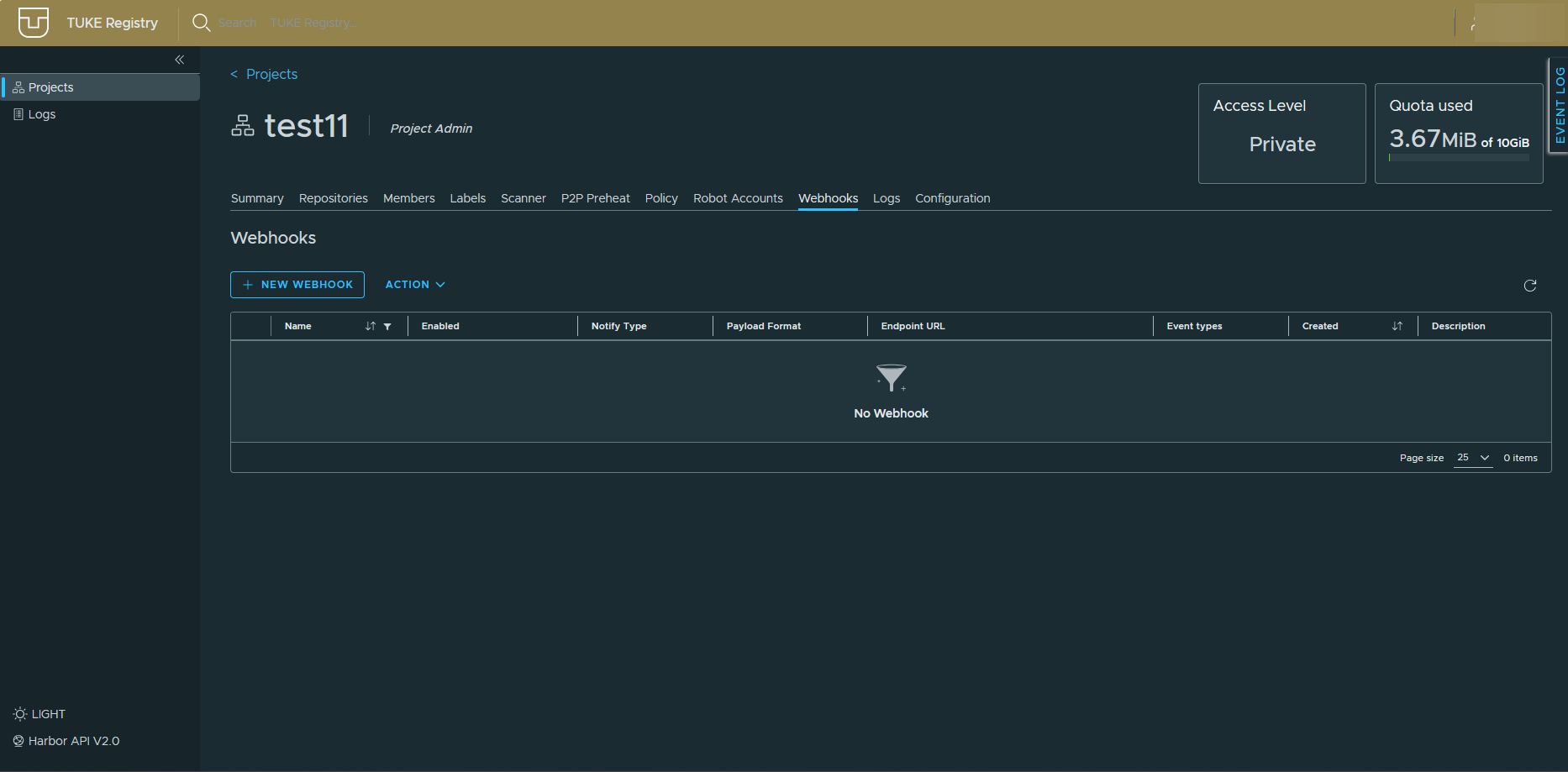
You configure the notification type, payload format, target URL and the event types to watch. Handy for hooking into a chat or triggering a deployment after a push.
Audit log
The Logs → Audit Logs tab records operations in the project.
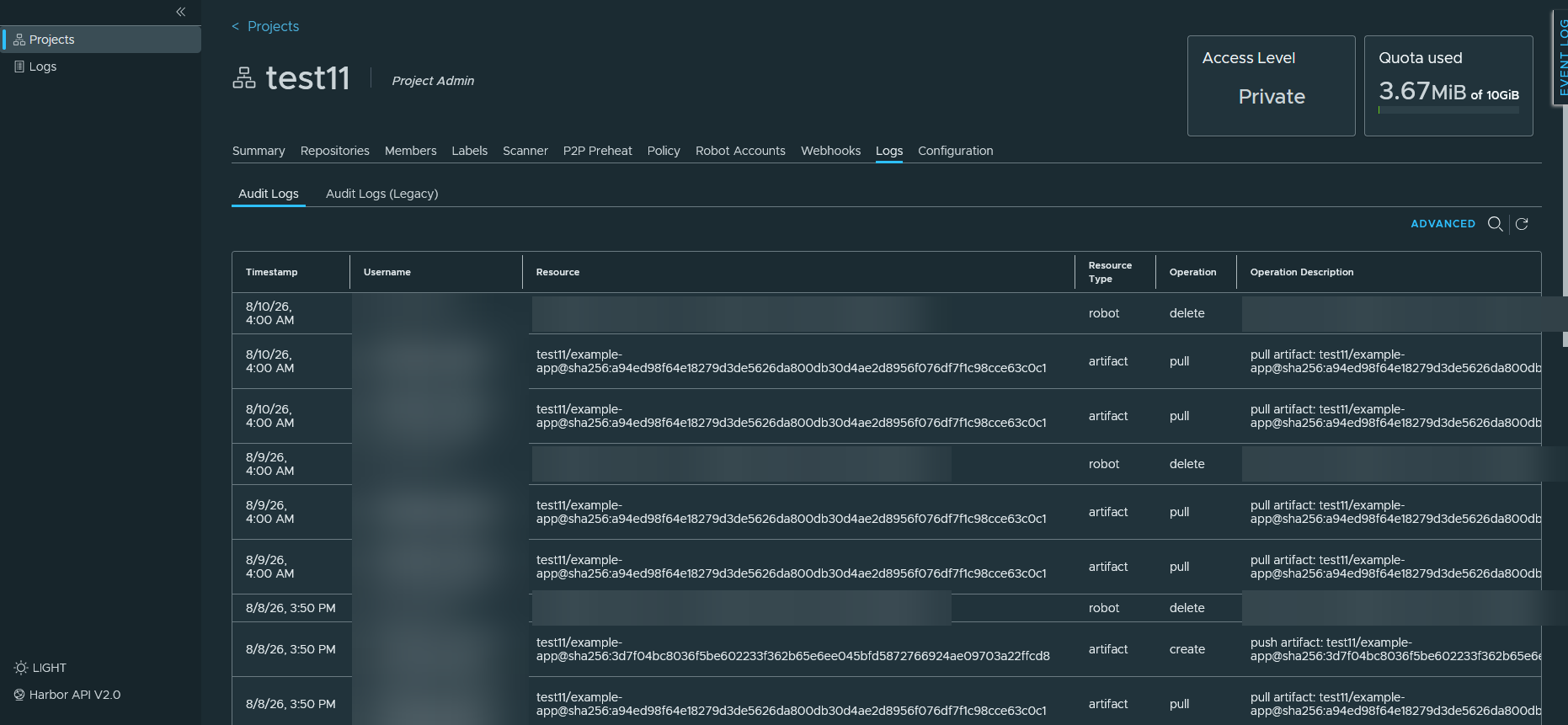
Each entry carries the time, who performed the operation, the affected
resource, its type, the kind of operation (pull, create, delete) and
a textual description.
Automatic scans show up in the log
During a scheduled check the system creates a temporary robot account, pulls the artifact and removes the account again. These entries are not an error.
P2P Preheat
The P2P Preheat tab distributes images into a P2P network in advance so that large images download faster onto cluster nodes.
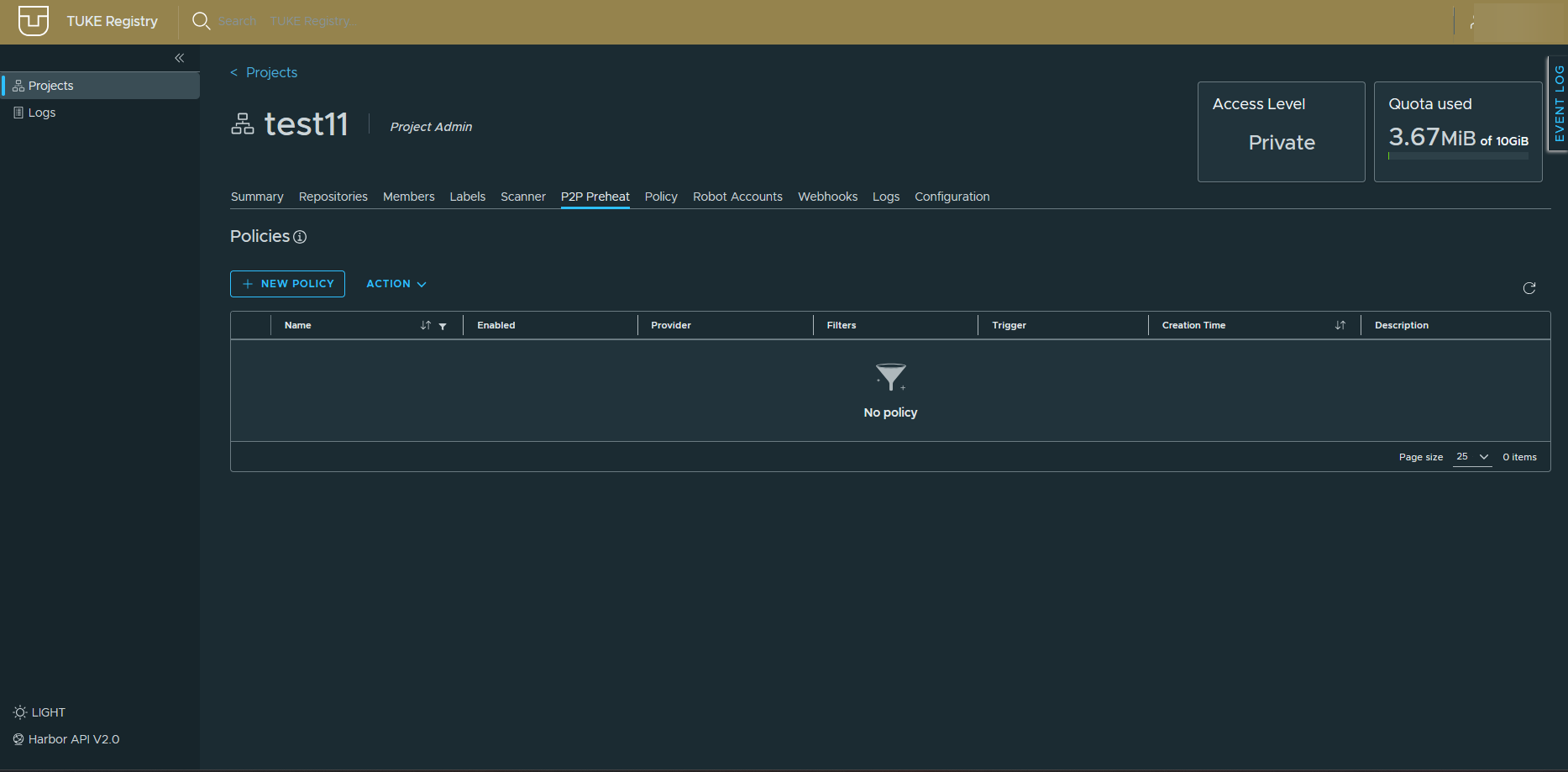
Policies are added with + NEW POLICY. Ordinary projects do not need this.